
Module
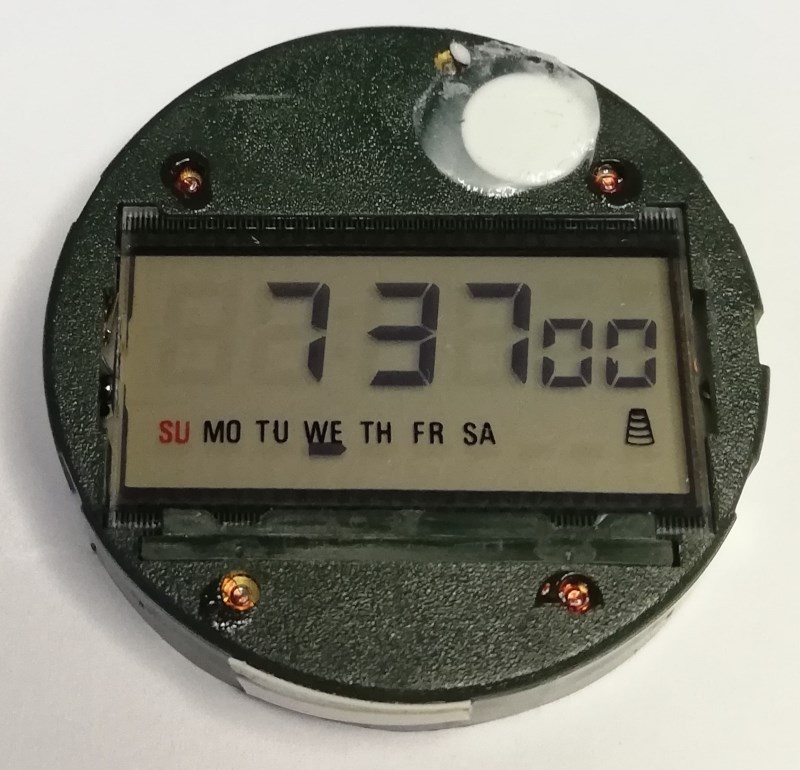
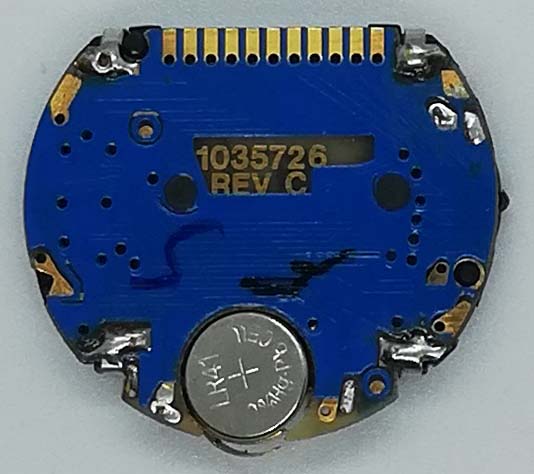
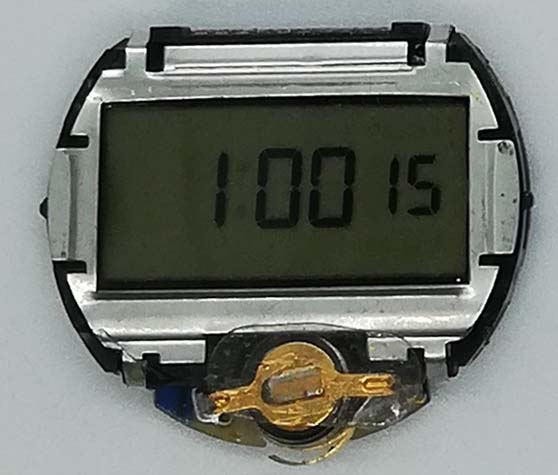 Model: 1035726 Rev C (for Men's watch)
Battery: LR41 Face: LCD 6 digit Light: NO Year: 1982 Buttons: Three buttons are used, top left, top right, bottom right
Function: It displays hours, minutes, seconds, and the day of the week, and has a stopwatch with hundredths of a second. It does not have a built-in light.
Info: This module is used in the following modelTI-xxx-183, TI-xxx-184
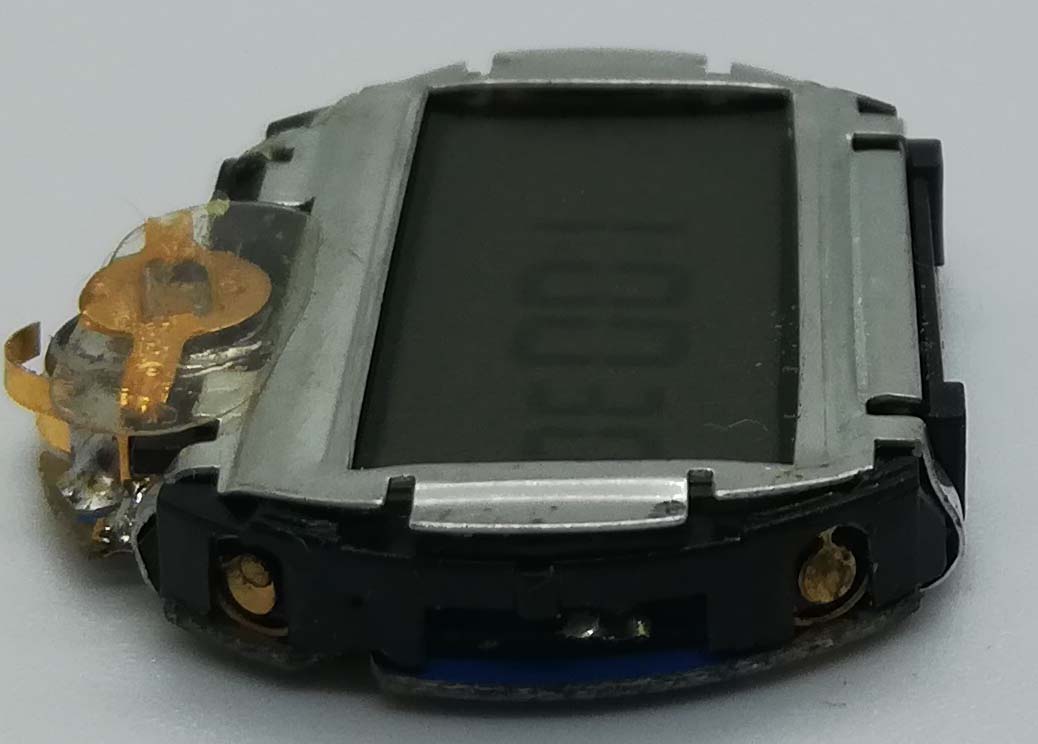
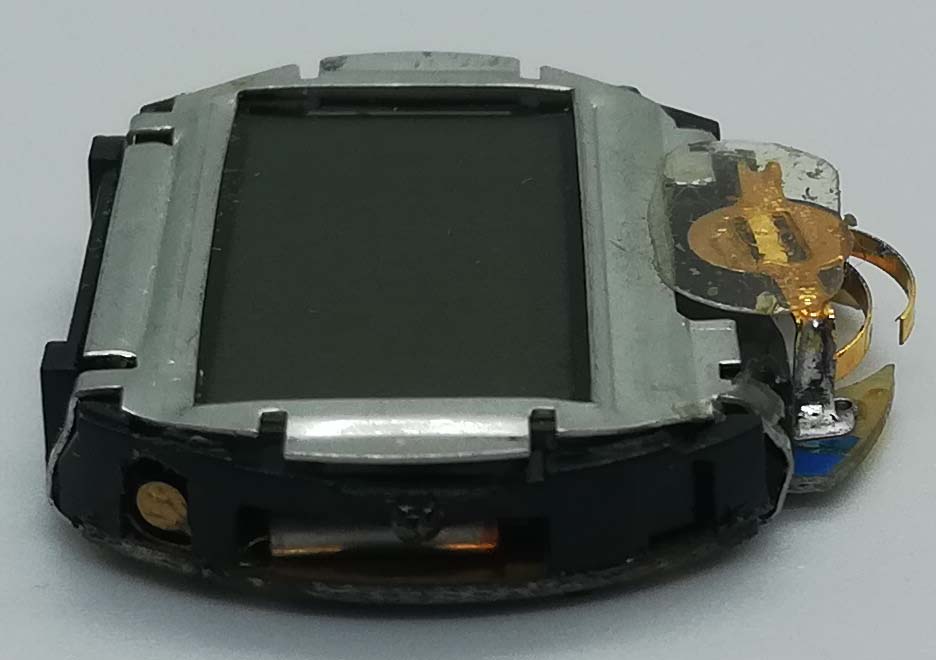 Here you can see the particular contact that is used by the button when pressed. Three buttons are used: top left, top right, and bottom right. The top right button allows us to select the date, seconds, and stopwatch; the bottom right button is used to set the time and date; and the top left button is used to start and stop the stopwatch.
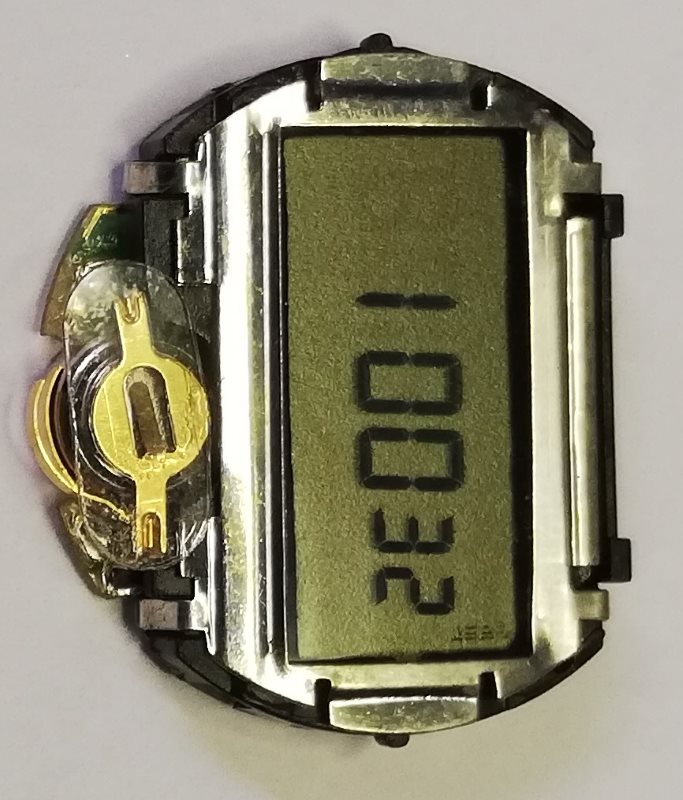 Model: 1035726_8 Rev F (for Men's watch)
Battery: LR41 Face: LCD 6 digit Light: NO Year: 1982 Buttons: Three buttons are used, top left, top right, bottom right
Function: It displays hours, minutes, seconds, and the day of the week, and has a stopwatch with hundredths of a second. It does not have a built-in light.
Info: This module is used in the following modelTI-xxx-183, TI-xxx-184
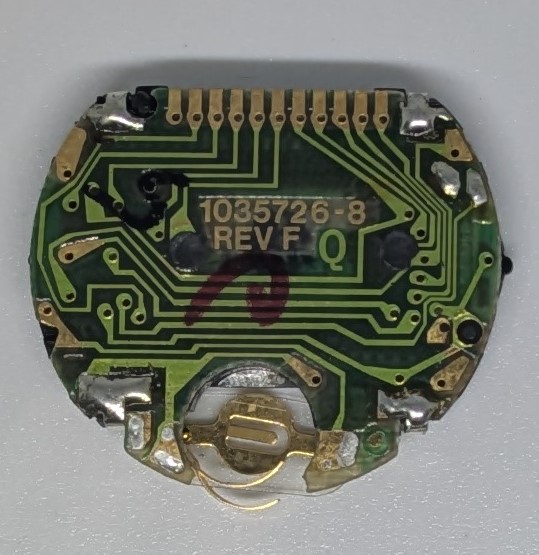
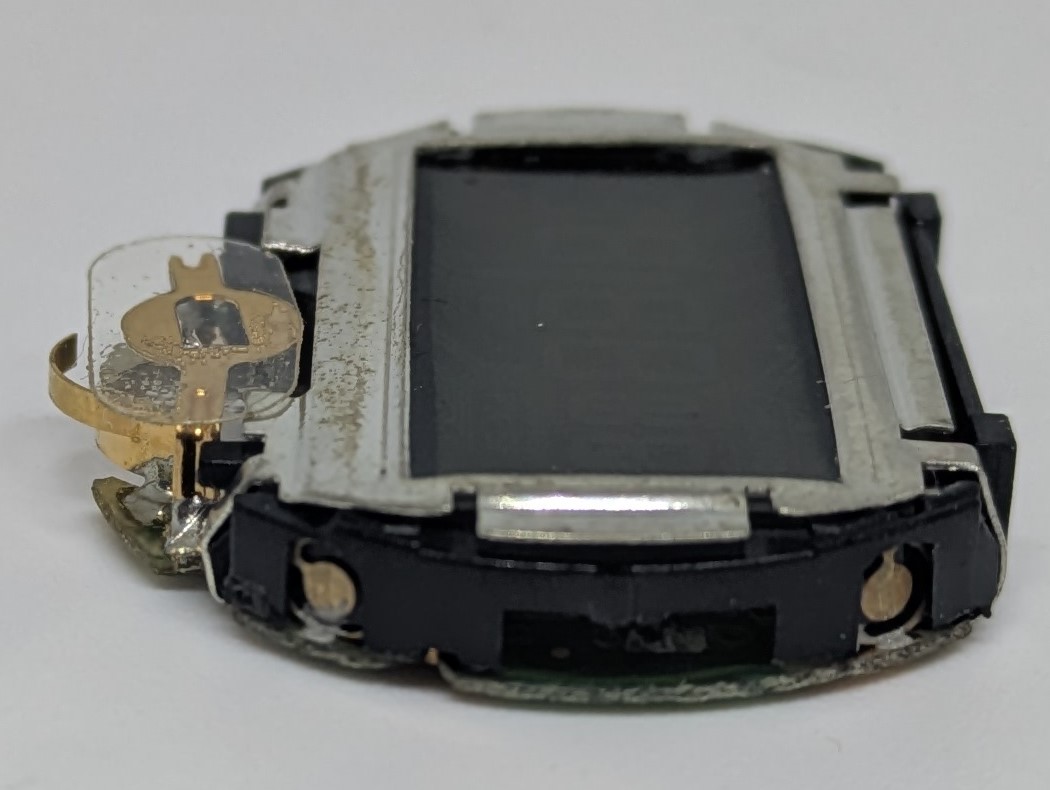 Here you can see the particular contact that is used by the button when pressed. Three buttons are used: top left, top right, and bottom right. The top right button allows us to select the date, seconds, and stopwatch; the bottom right button is used to set the time and date; and the top left button is used to start and stop the stopwatch.
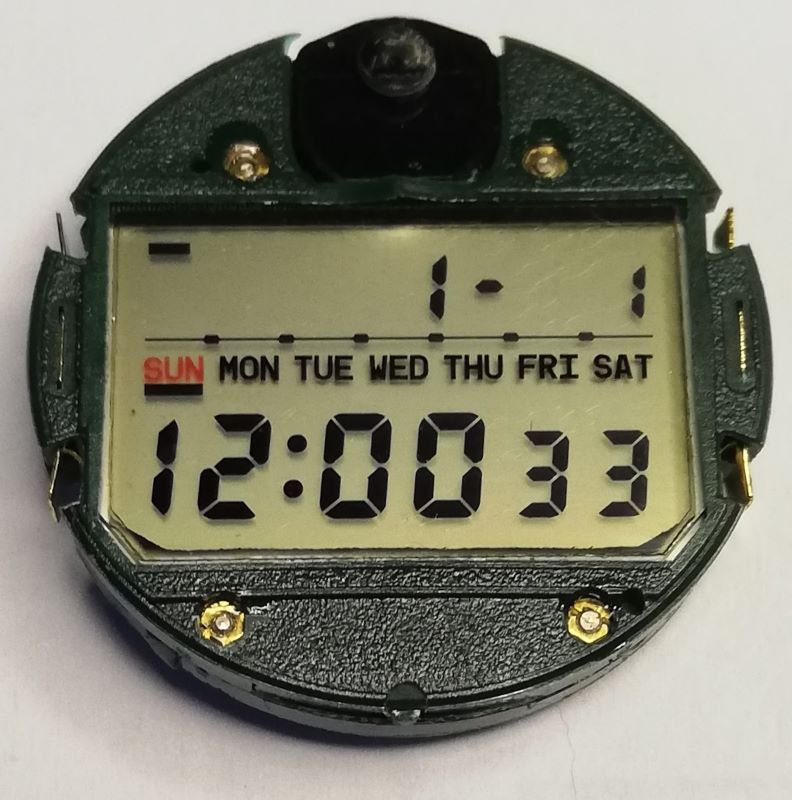 Model: 108 (for Men's watch)
Battery: 391 Face: LCD 6 digit + week + alarm Light: YES Year: 1980 Buttons: Four buttons are used: top right, bottom right, top left, and bottom left.
Function: It displays hours, minutes, seconds, day, and month, as well as alarm or chime, stopwatch, and countdown timers. It also features a built-in light.
Info: This module is used in the following model TI-809-31
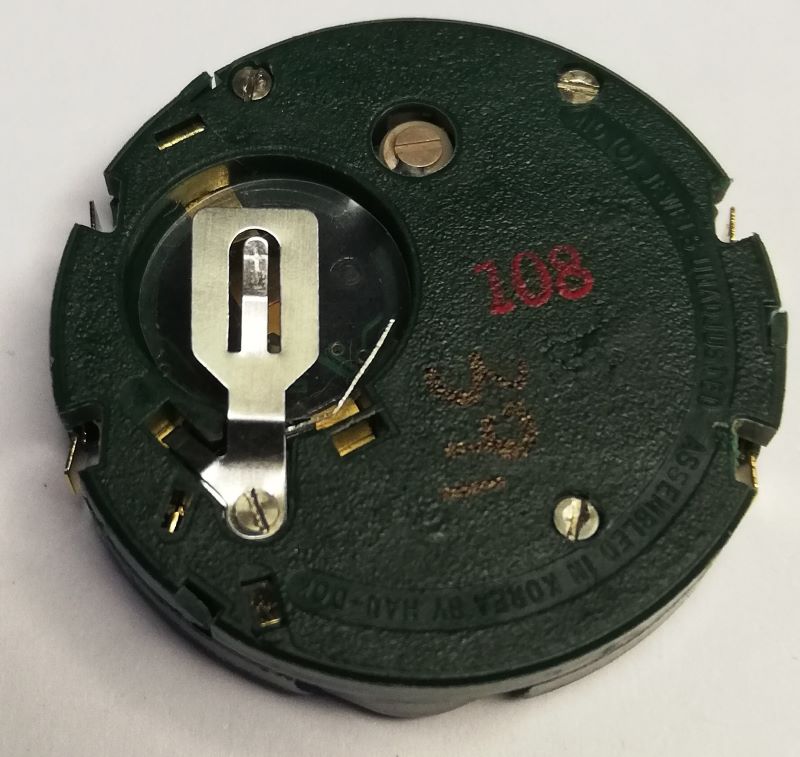
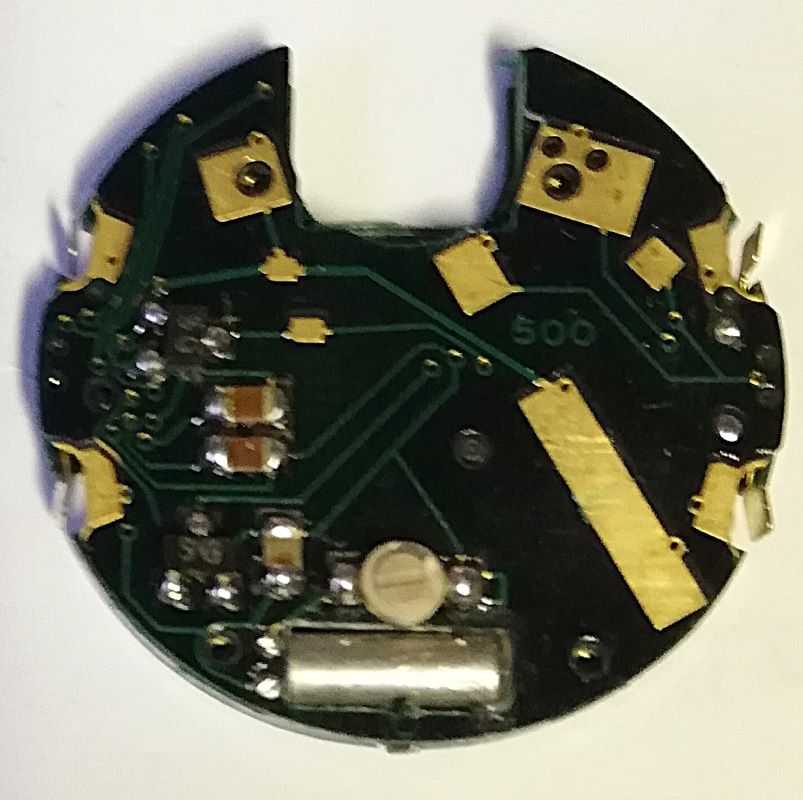
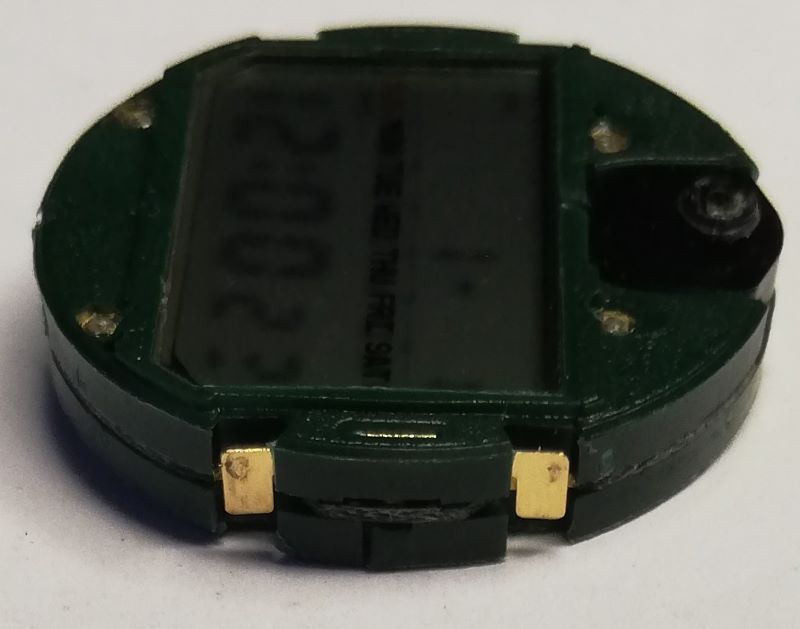
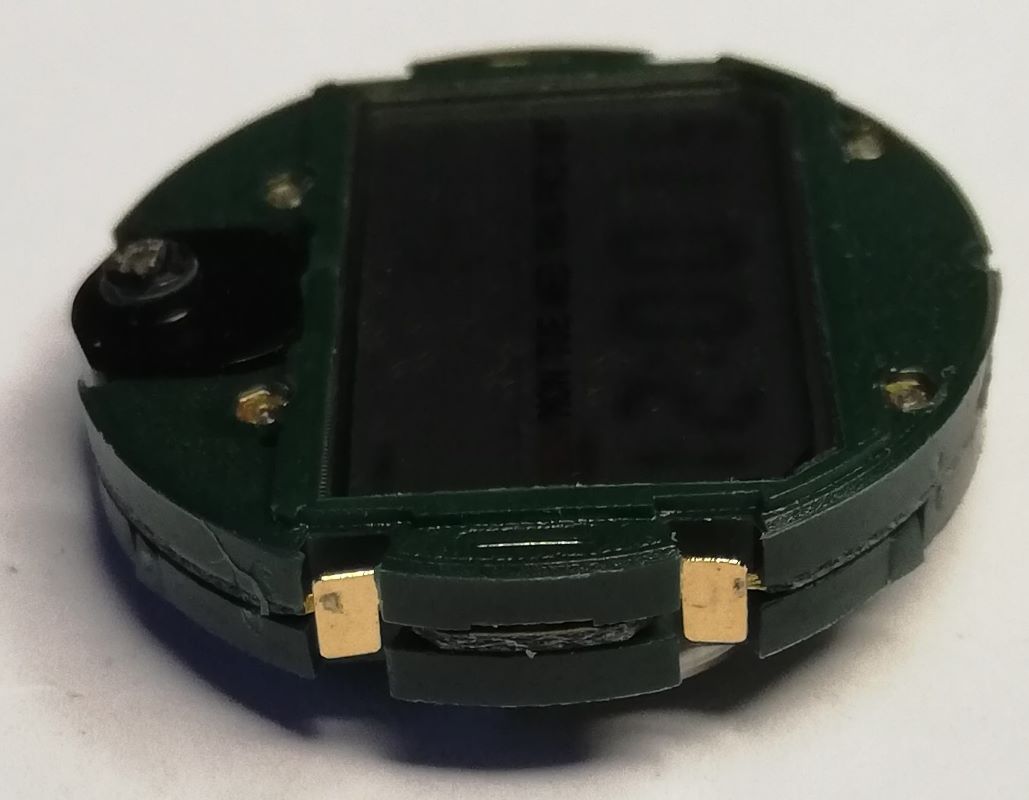 Here you can see the specific contact used by the button when pressed. Four buttons are used: one in the top right, one in the bottom right, one in the top left, and one in the bottom right. The top right button allows you to select the time, date, and seconds and start the stopwatches; the top left button allows you to activate and deactivate the alarm; the bottom left button allows you to set the time, date, and day of the week, alarm, stopwatch, and countdown; and the bottom right button allows you to activate the backlight via the micro bulb.
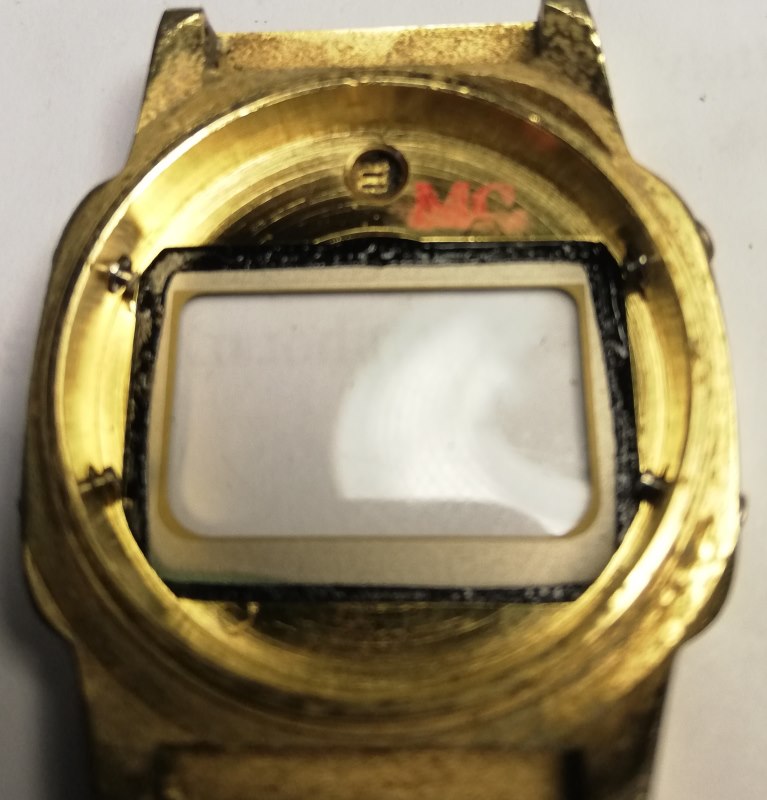
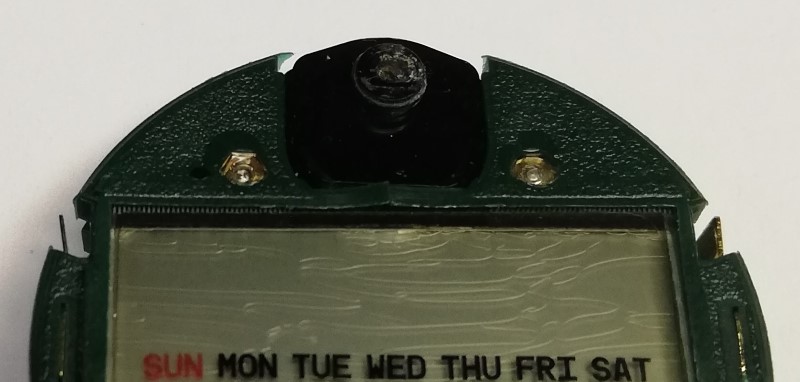
In these last two photos you can see the micro buzzer at the top and where it goes into the watch case.
 Model: 123 (for Women's watch) Diameter: 20 mm Thickness: 2 mm
Battery: LR721 Face: LCD 4 digit Light: NO Year: 1981 Module: Two buttons are used: top right, and bottom right.
Function: Displays hours, minutes, seconds and date. It does not have a built-in light
Info: This module is used in the following model TI-255-20
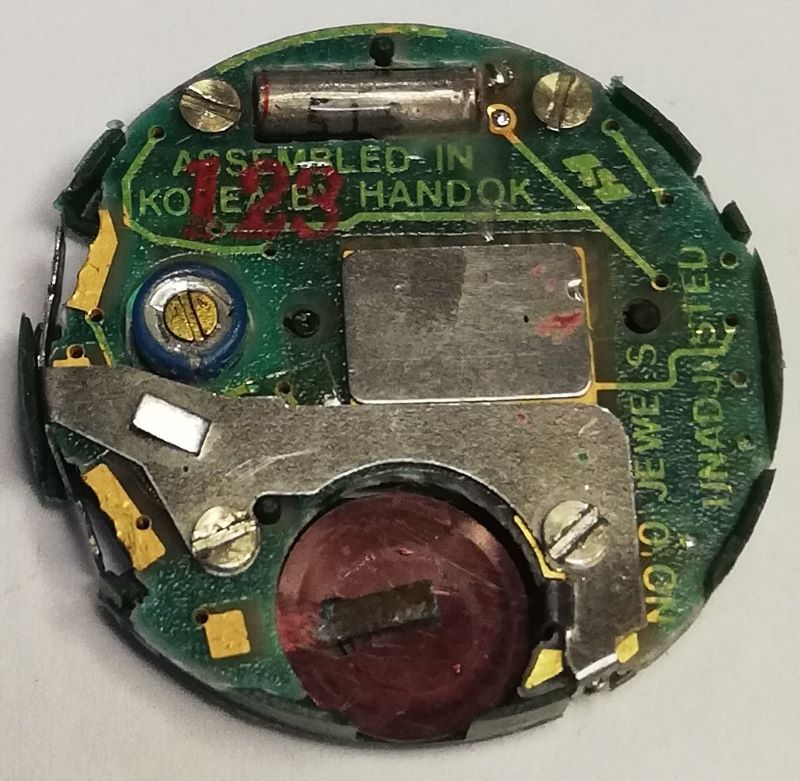

Here you can see the specific contact the button uses when pressed. Two buttons are used: the top right and the bottom right. The top right button is used to select the time, seconds, and date (day and month), while the bottom right button is used to set the time, day and month. This is the thinnest module used in Texas Instruments watches, only 2mm thick!
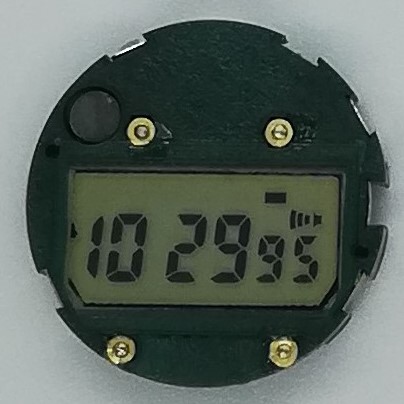 Model: 125 (for Women's watch) Diameter: 22 mm Thickness: 5 mm
Battery: LR41 Face: LCD 4 digit Light: NO Year: 1981 Module: Four buttons are used: top right, middle-right, bottom right, and bottom left.
Function: It displays the time (hours, minutes, seconds), the date, and the day of the week. It also includes an alarm function. It does not have a built-in light
Info: This module is used in the following model TI-263-41, TI-263-31
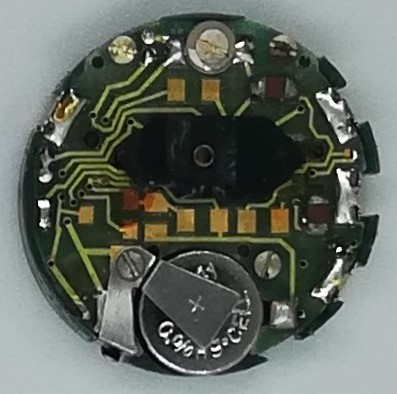
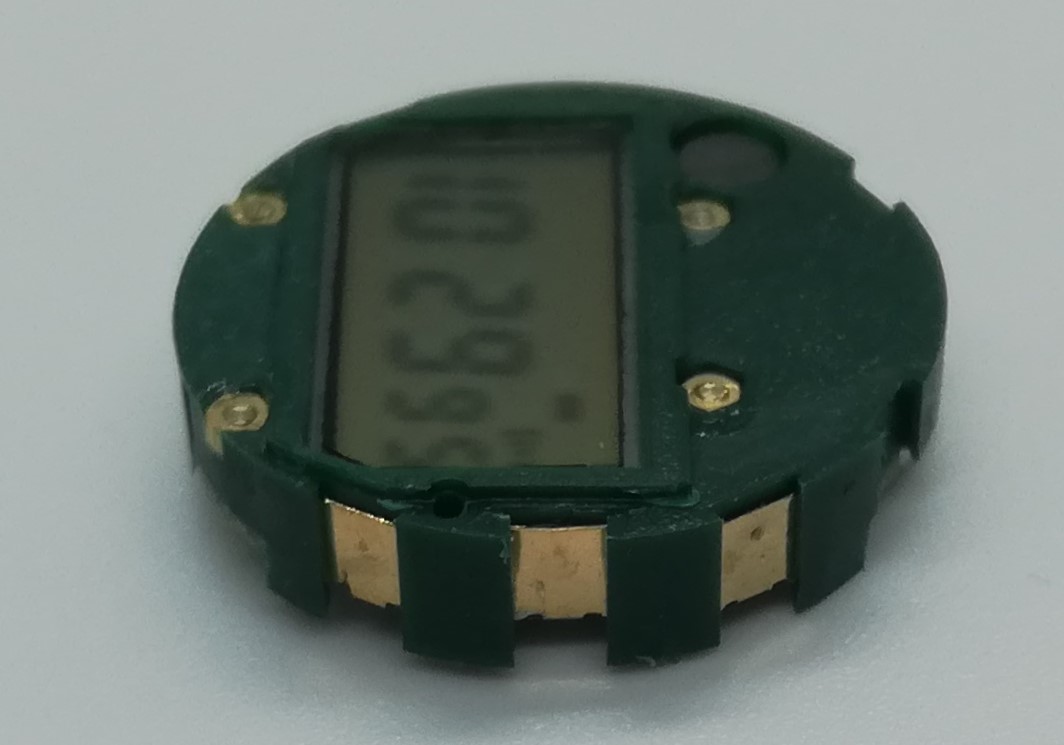
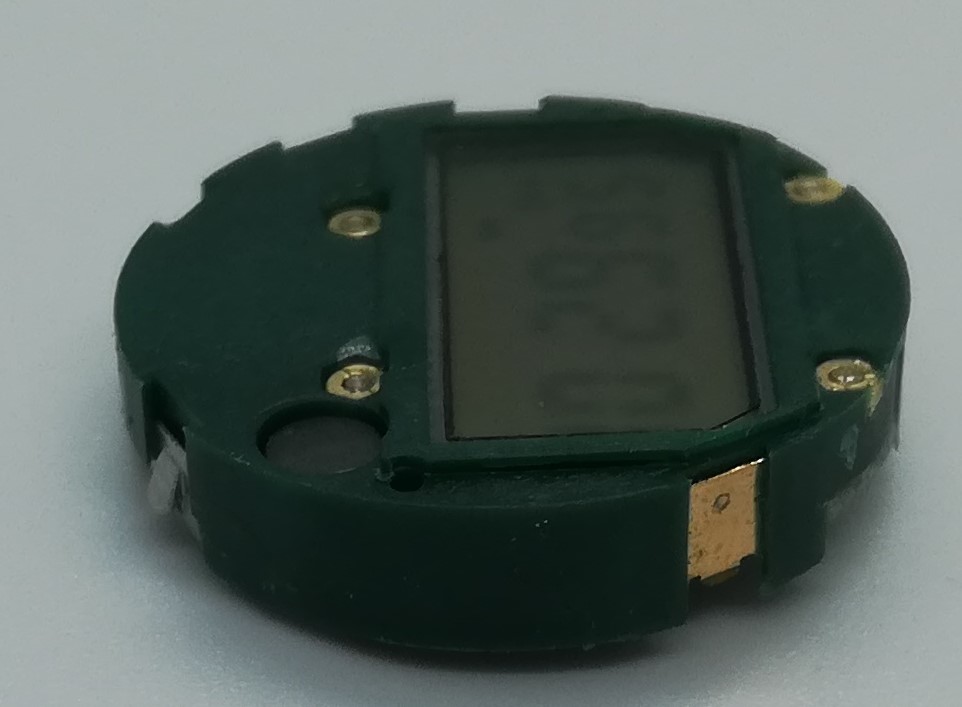
Here you can see the specific contact the button uses when pressed. The top-right button allows you to select the time and date; the middle-right button is used to set the time and date values; the bottom-right button is used to activate, deactivate, and configure the alarm; and the bottom-left button is used to view the alarm setting. It does not have built-in illumination.