

Calculators
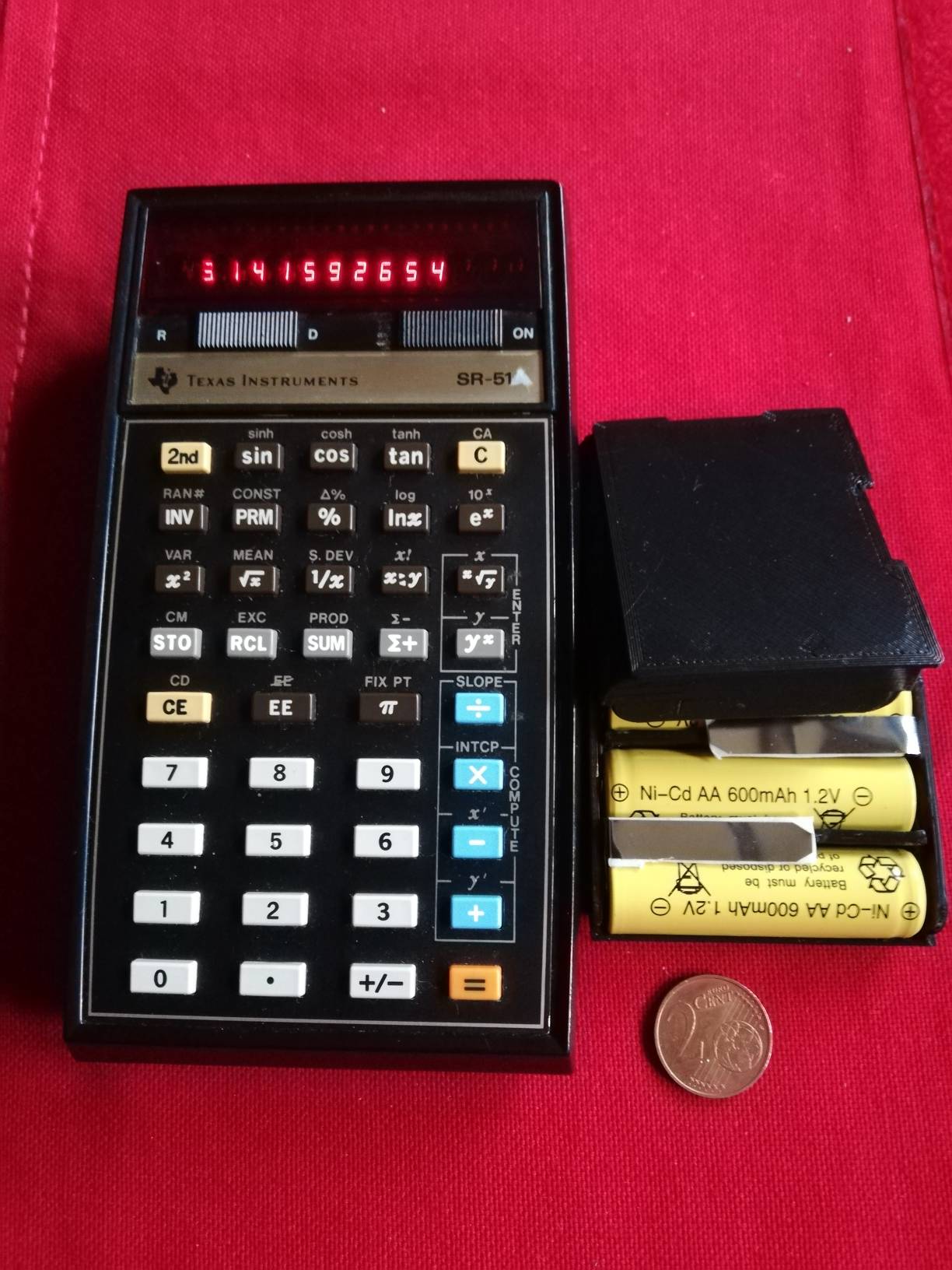 Description: New battery pack with black 3D printed cover, but you can ask for a color other than black!
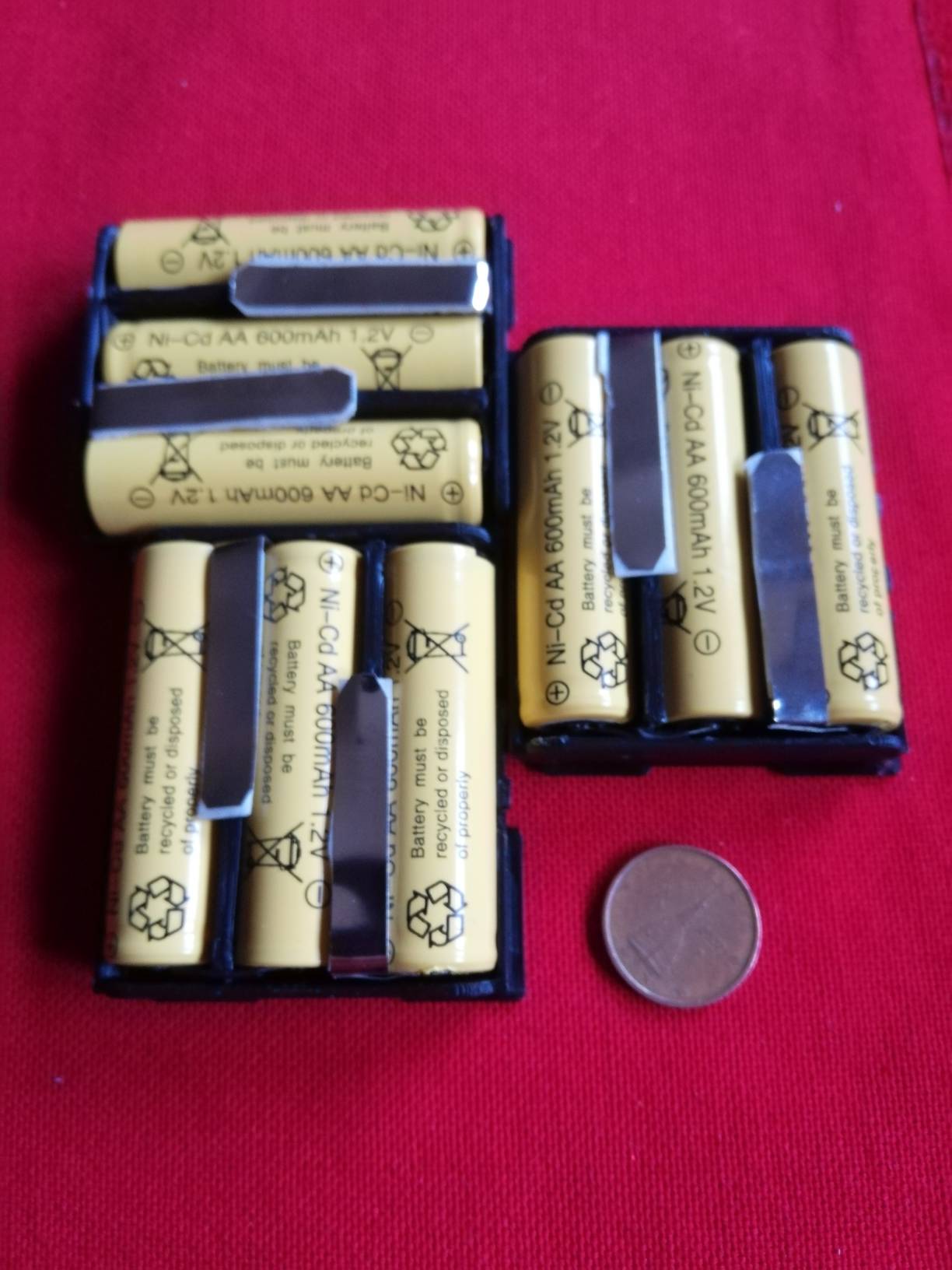
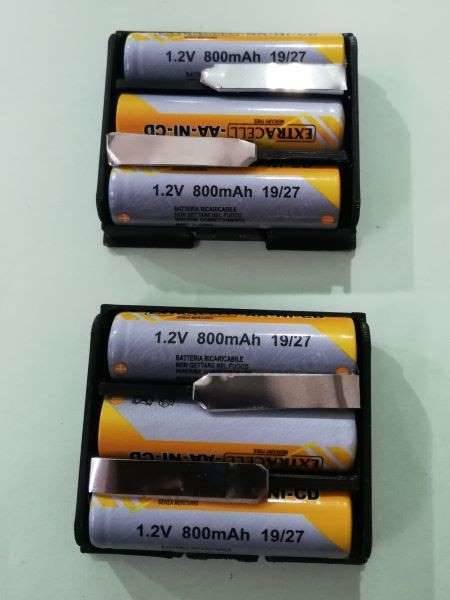
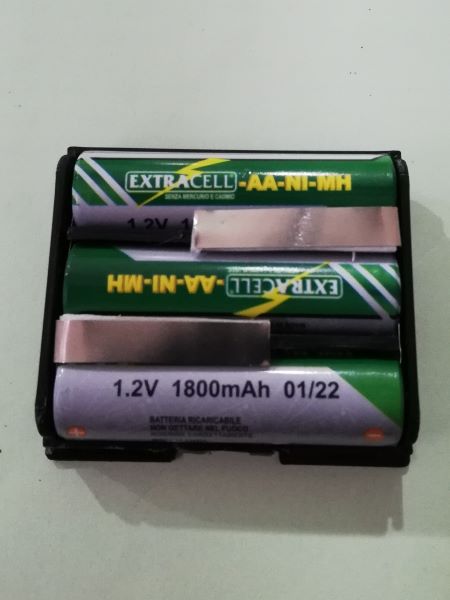 There are two types of batteries, the 600 or 800 mA NI-CD and the 1800 mA NI-MH.
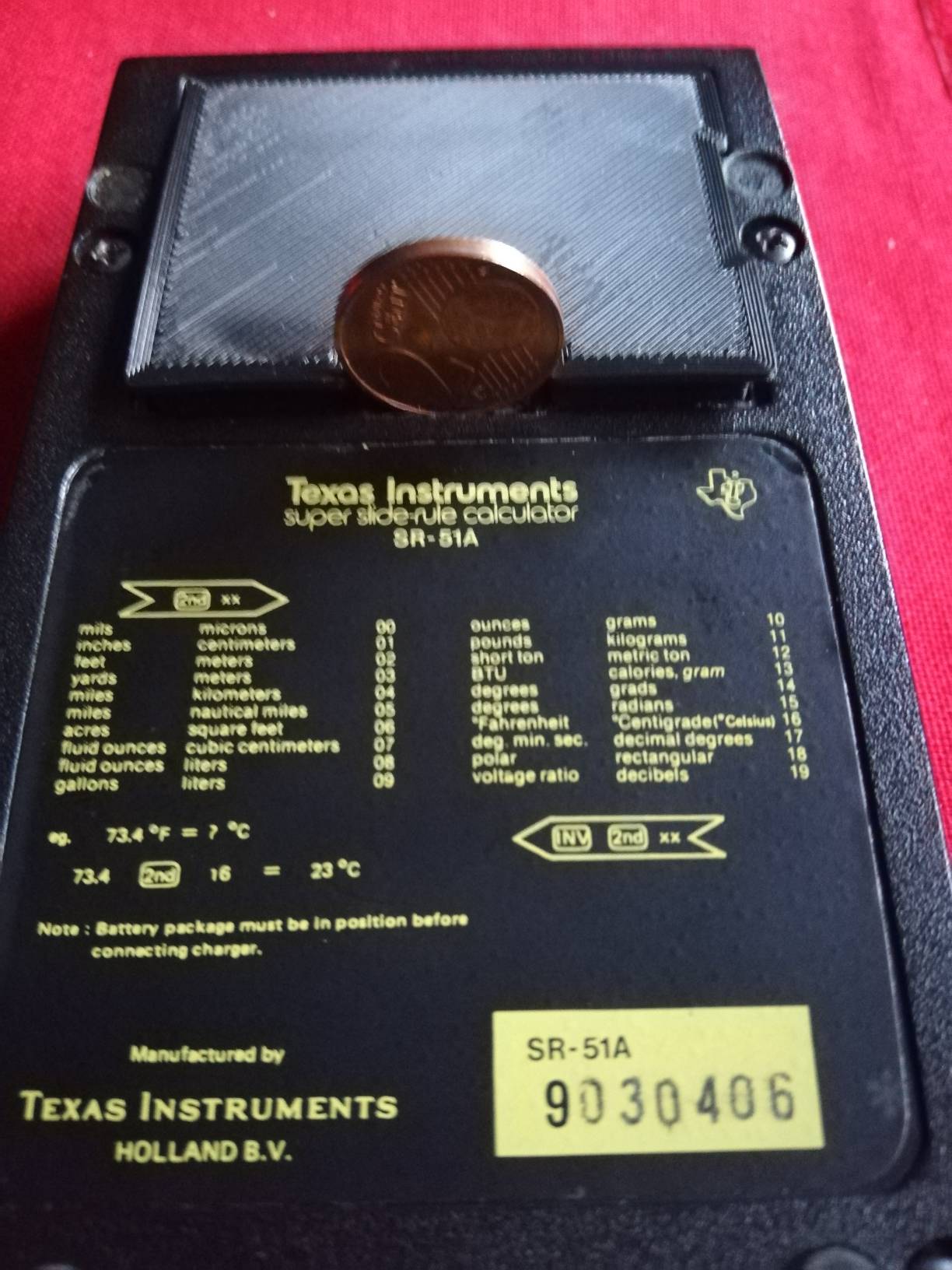 It is important to use a 2 cent coin or similar, in order to reduce the risk of breaking the hook tab!
Calculators that use these Battery Packs are:
BP1 ( SR-50, SR-51)
BP1A ( SR-50A, SR51A, SR52, SR56, TI-58, TI-58C, TI-59 )
.jpg) Description: Our cover can be used to replace BP-6, BP-7, BP-8, BP-9 battery packs, but using a 9 volt battery. It was
Description: Our cover can be used to replace BP-6, BP-7, BP-8, BP-9 battery packs, but using a 9 volt battery. It was .jpg) designed and built to give new life to your beloved calculators! The new cover is built with the non-toxic material called PLA using 3D printing, the color is black, but you can have other colors such as red and transparent. It can be used with the following calculators:
designed and built to give new life to your beloved calculators! The new cover is built with the non-toxic material called PLA using 3D printing, the color is black, but you can have other colors such as red and transparent. It can be used with the following calculators:
(SR-51-II, TI-57(1977), TI-51-III, TI-55, TI-57 (1978), TI-42 MBA, MBA)
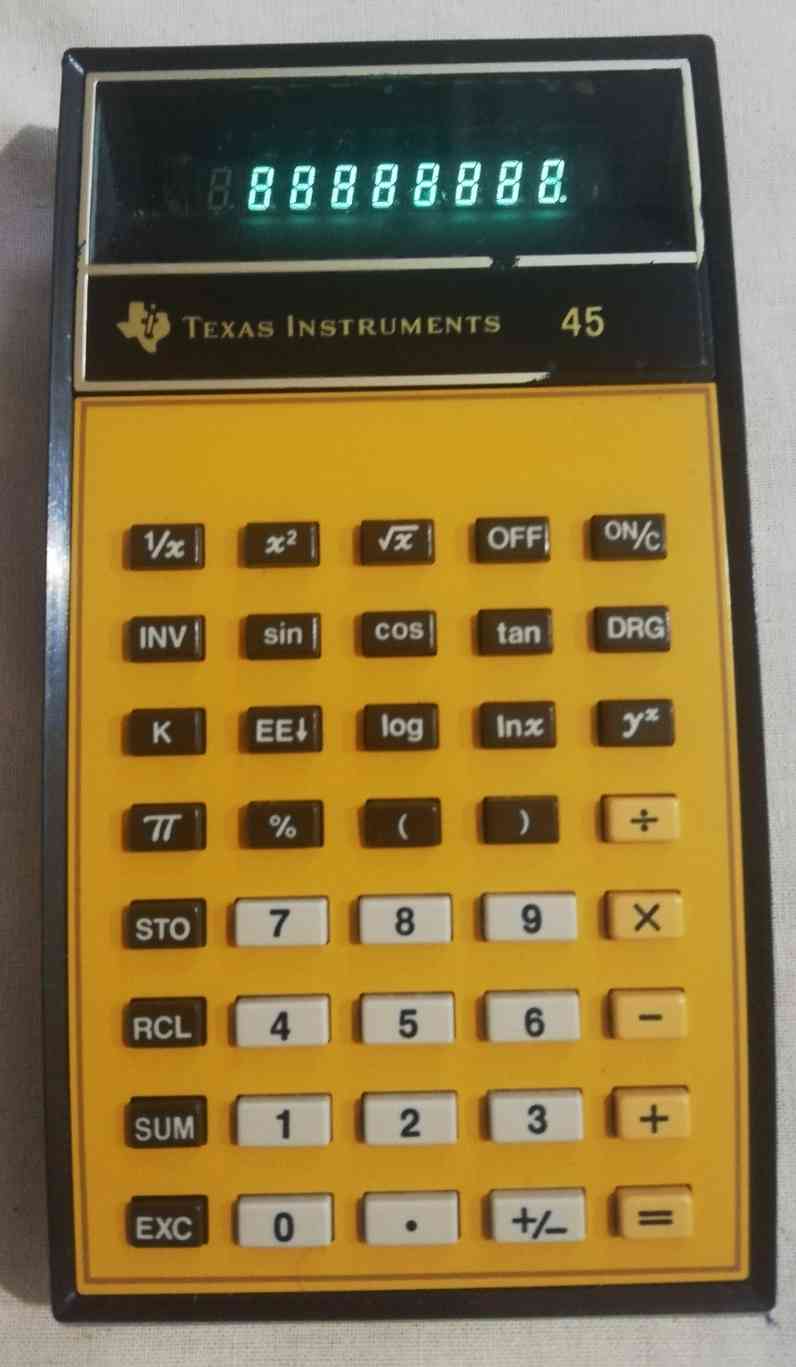
( TI-15, TI-30, TI-31, TI-33, TI-41, TI-45, BA, BA1, Money Manager,TI- Programmer, TI-45)
The most important thing for inserting and removing the cover from the compartment from the calculator is the use of a 2 cent coin. VERY IMPORTANT not to break the hook tab!
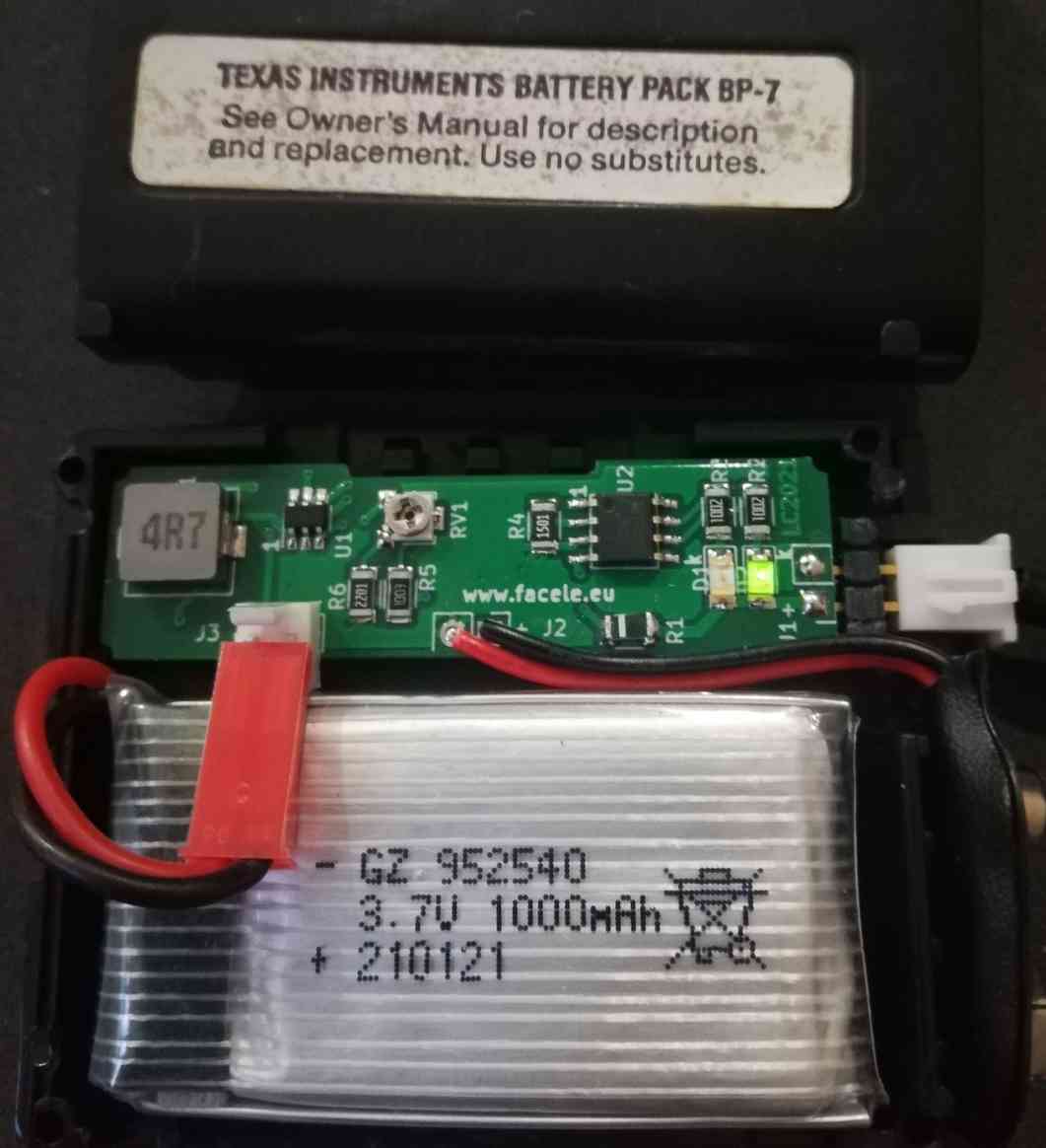
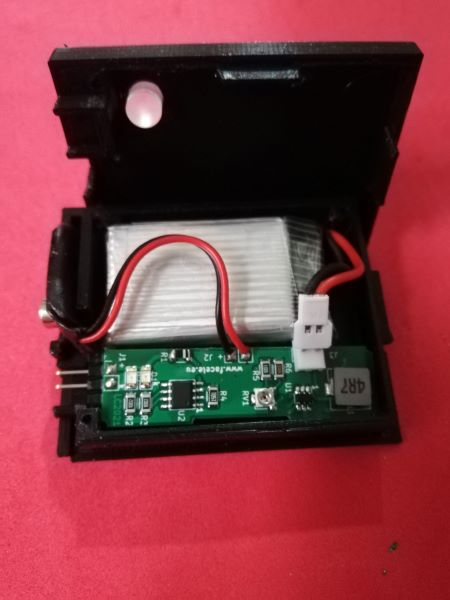 Description: This circuit with its 3d printed case, can be used to replace the original BP7 - BP8 - BP9.
Calculators that use these Battery Packs are
BP7 ( TI-51-III, TI-55, TI-57, TI-42 MBA, MBA )
BP8 ( SR-40, TI-15, TI-30, TI-31, TI-33, TI-41, TI-45, BA, BA1, Money Manager, Programmer )
BP9 ( TI-45 )
The calculators listed were produced in the 70s and 80s, almost all of their accumulators have become defective. Texas Instruments has called their BP (Battery Packs) leak-proof. In fact all the liquid that comes out of the cells does not come out of the BP, but remaining inside destroys all the contents !
The two batteries used in the older BPs are AA size and have a nominal capacity of around 500mAh. The new BP uses a 3,7 volt 1000 mah LI-PO battery, and a PCB that performs a specific check / recharge for this type of battery, there is also a STEP-UP circuit necessary to supply a voltage of 9 volts for the operation of the Calculators.
What will come to you if you decide to take it
1- PCB and Cover 3D, with all components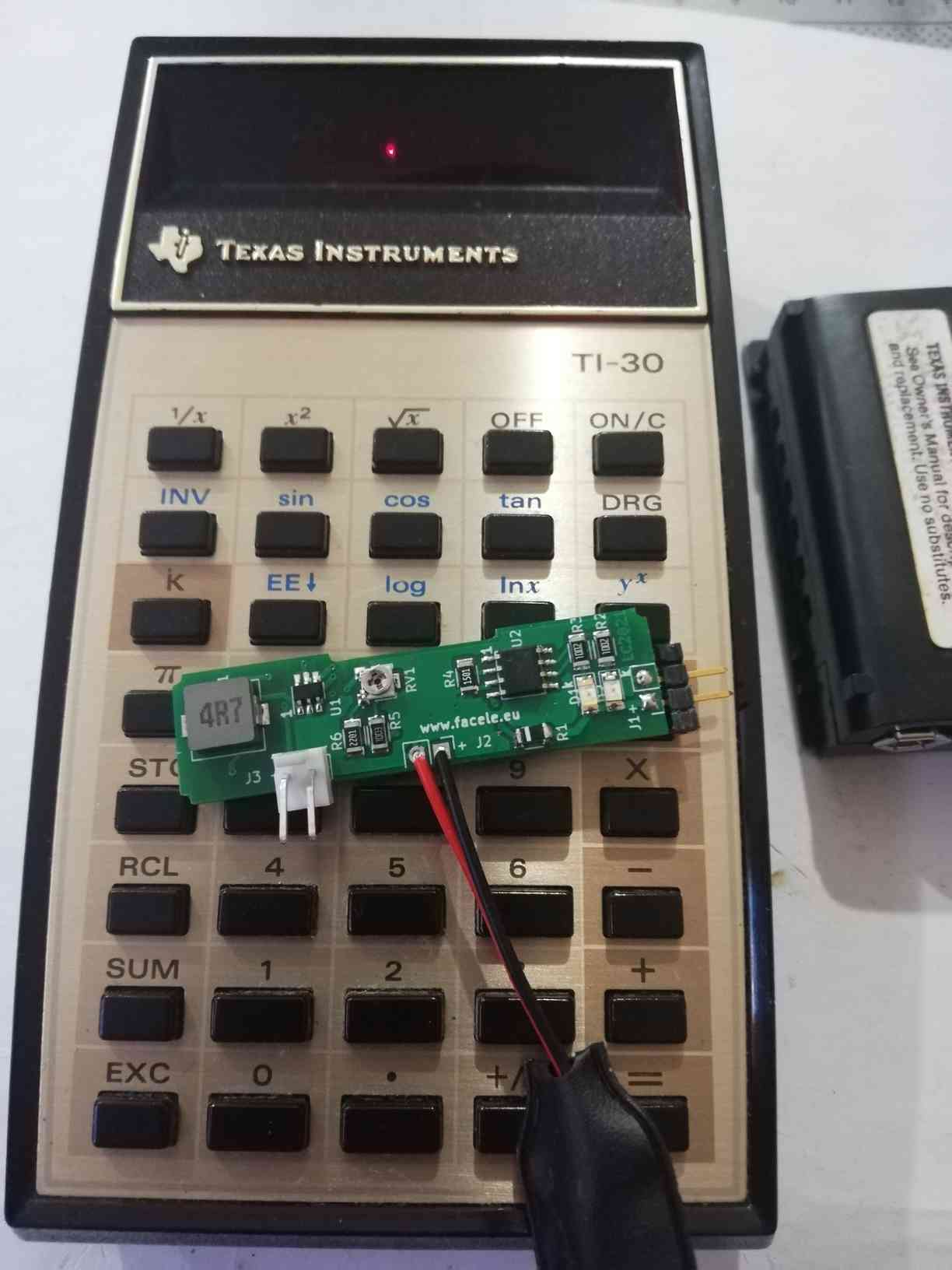
2- Li-PO 800/1000 mah battery 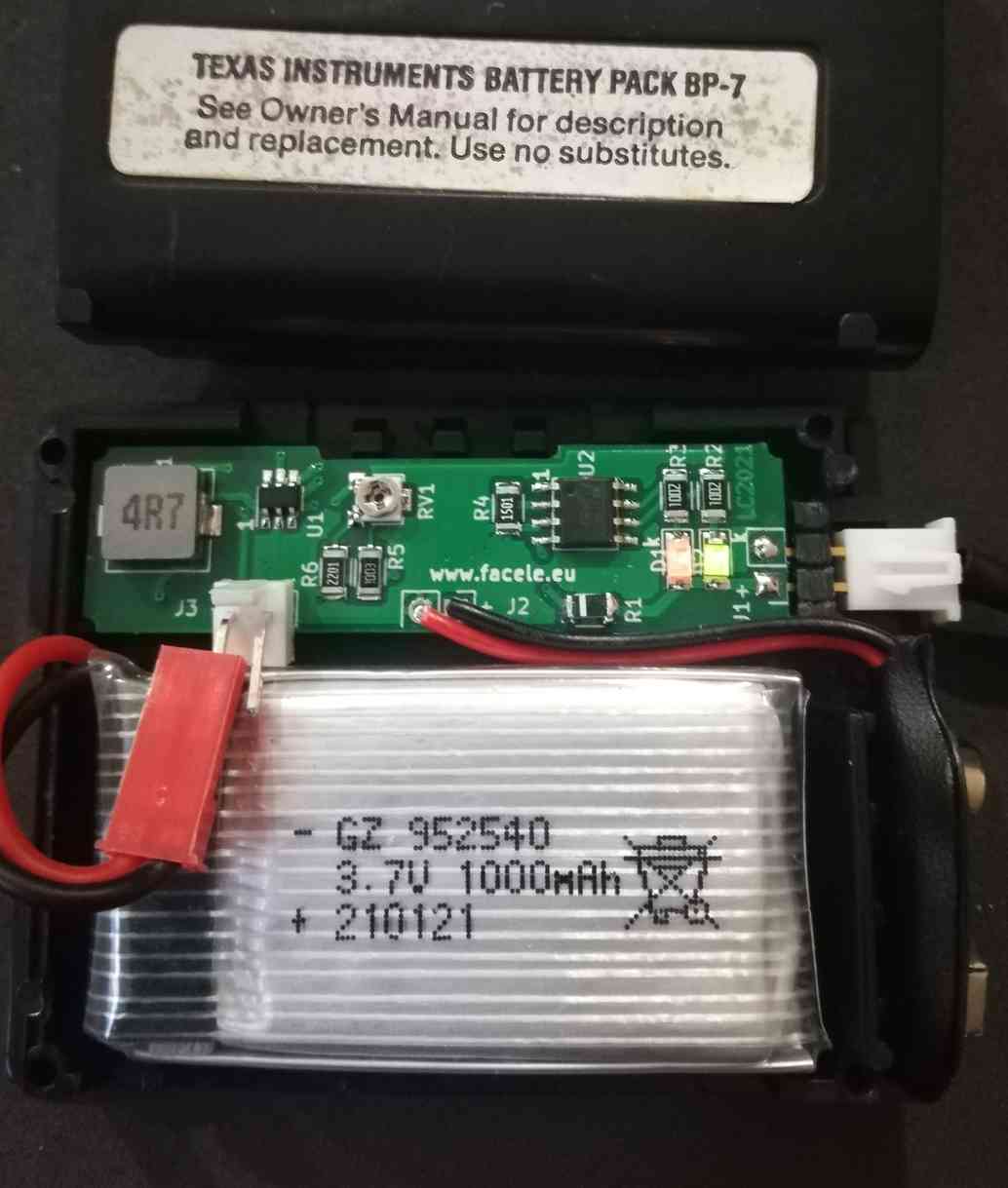
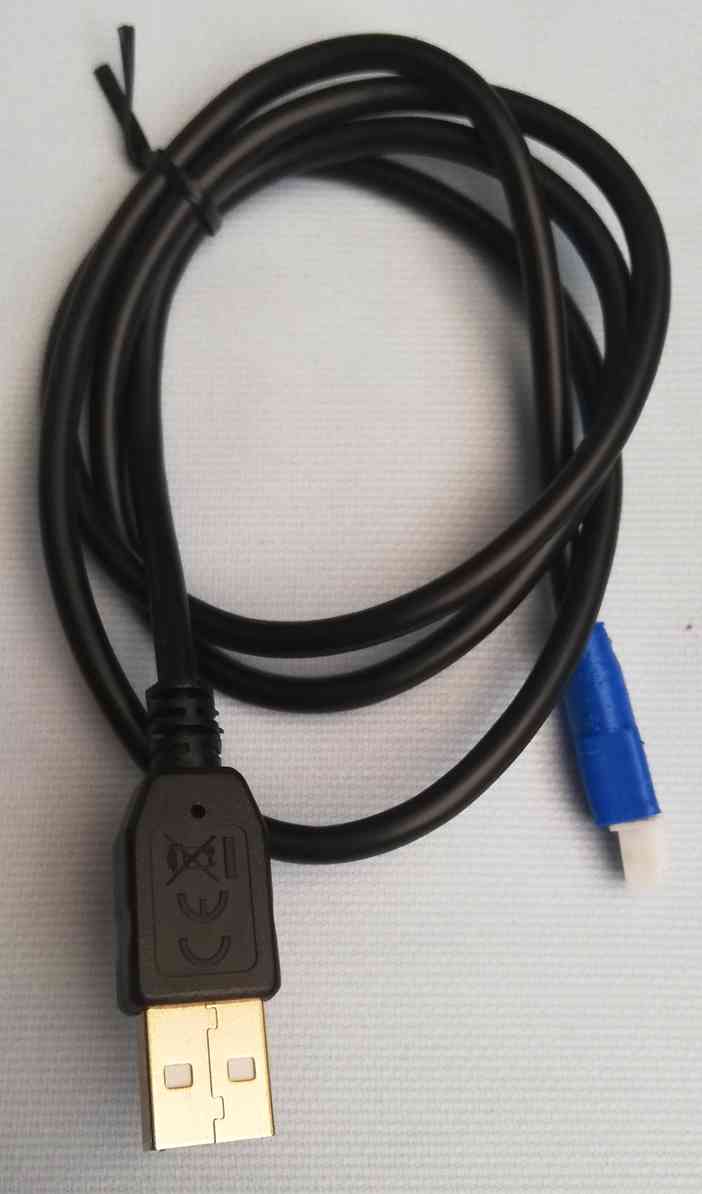
 3- USB cable for charging
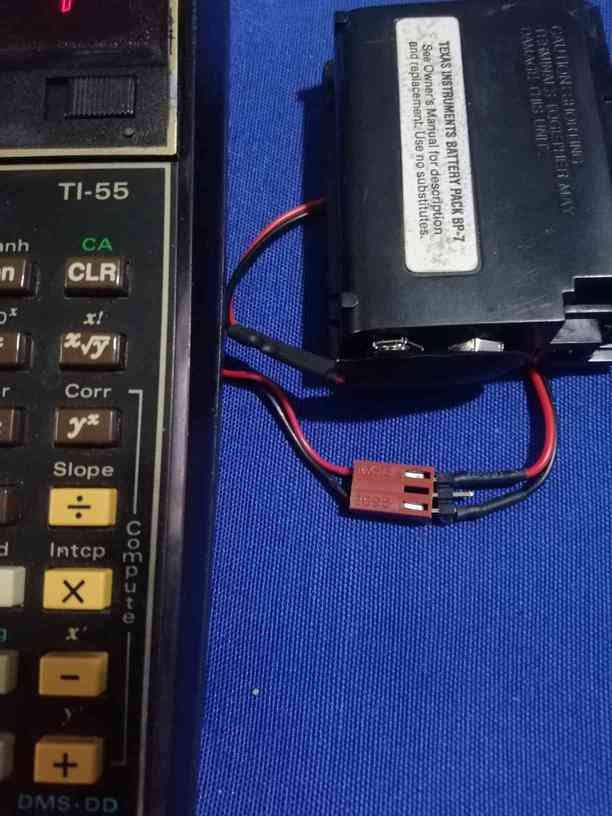
4 - adapter cable for BP7
5- instructions necessary for the replacement.
To recharge the new BP you can use the USB cable supplied, unfortunately for the size I could not insert a micro-USB connector, but make a cable with a specific connector.
One last thing, the circuit is equipped with a trimmer that allows you to vary the output voltage for other applications between 4.5 volts and 25 volts with a maximum current of 500 mah, but ATTENTION any variation could destroy the load downstream of the new BP.
Troubleshooting and Info
When the LEDs are ON and flashing at the same time -> The battery is probably disconnected
When the LEDs are OFF at the same time -> The input voltage is too low or the PCB is faulty
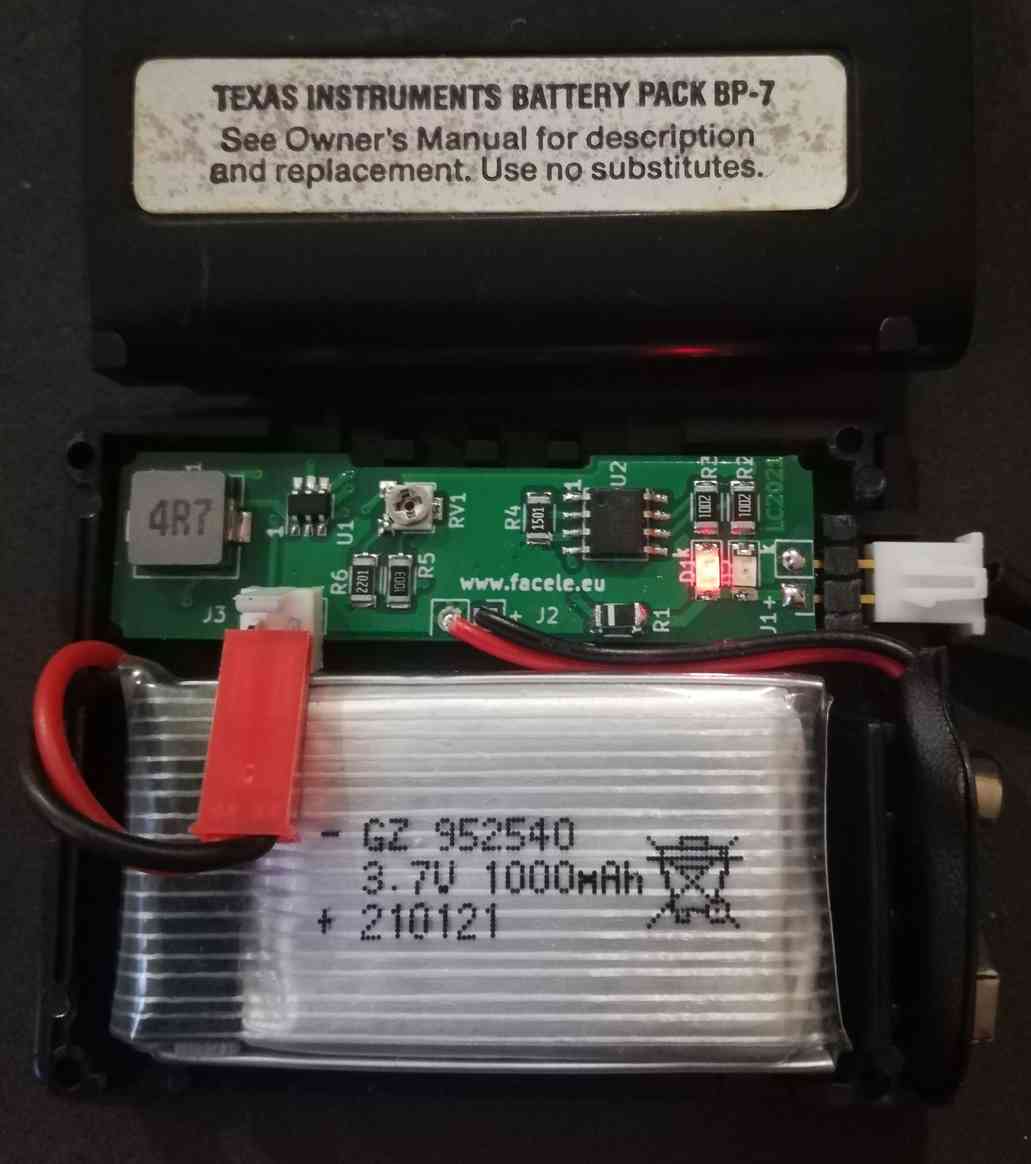
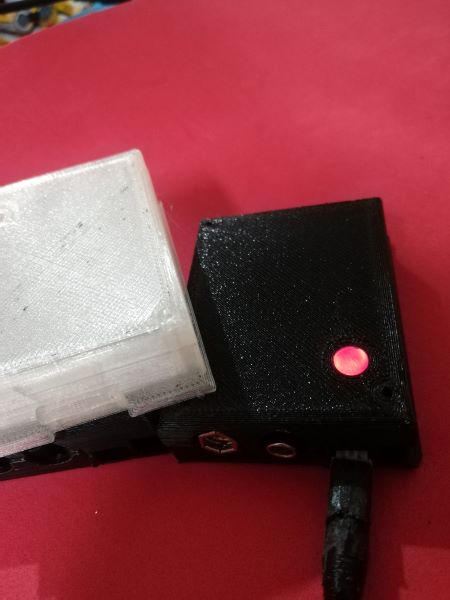 When the red LED is ON -> The battery is charging
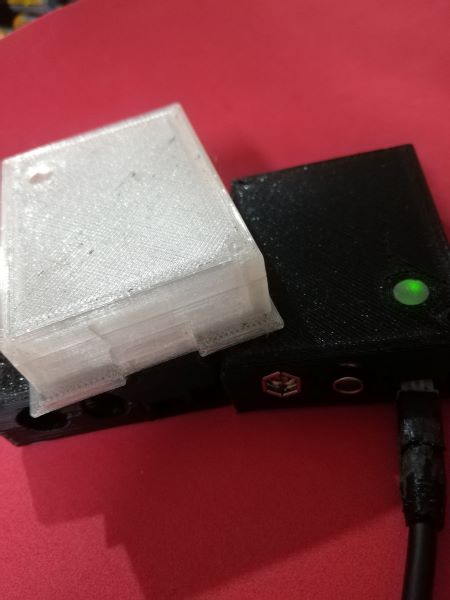 When the green LED is ON -> The battery is charged




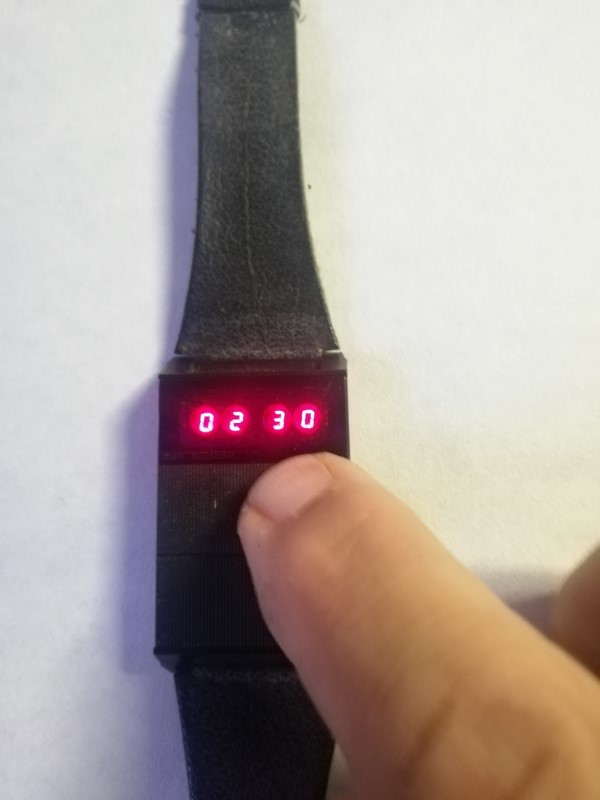
.jpg "Core Module Watch")

.jpg "Calculator Fuller")

.jpg "Olivetti Valentine")
.jpg "Console / Games")
.jpg "Battle Star Galactica")
.jpg "APPLE")


.png)